

AI can help with homework, or enable copying. Here’s how to use a tutor app for real understanding, and how Stellar Math approaches explanations.
Start with short sessions
Long study blocks sound productive and usually aren’t. Ten focused minutes with clear feedback beats an hour of half-attention. The goal is returning tomorrow, not finishing a marathon tonight.
Make the next step obvious
People quit when they’re lost. Good practice tools show what to try next, explain mistakes briefly, and keep the interface calm enough that effort goes into the skill, not the UI.
Where Stellar Math fits
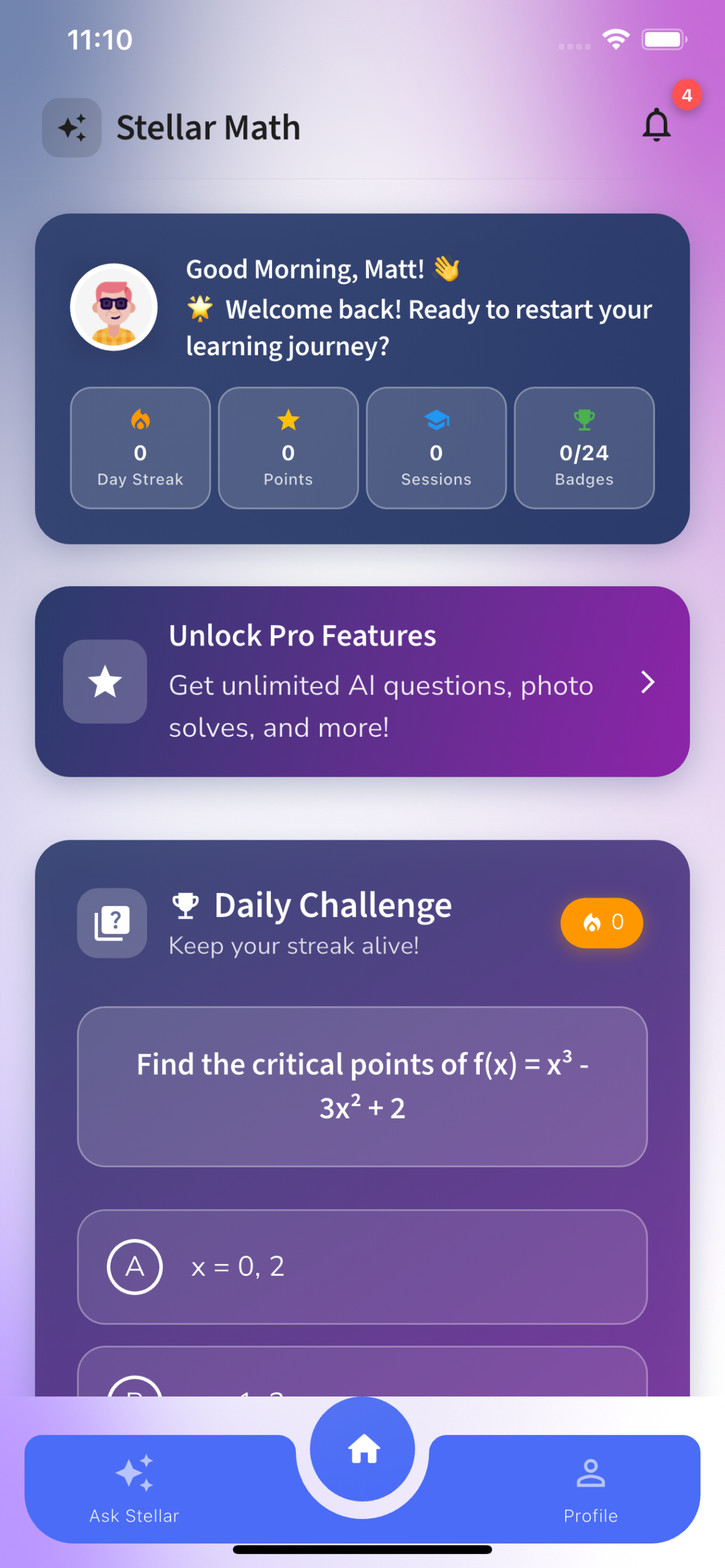
Stellar Math is built to make getting unstuck feel doable: clear explanations, practice that adapts, and a tutor tone that keeps students moving.
An AI-powered math tutor that makes homework help engaging and clear, so students get unstuck without copying answers blindly.
View Stellar Math or download it on the App Store.
A simple weekly rhythm
- Practice a little most days instead of cramming once
- Review misses before starting something new
- Stop while you still have energy to reopen tomorrow
FAQ
What grade levels does Stellar Math cover?
It’s designed for students who need help with school math topics; coverage depends on the question and curriculum context.
Does it just give answers?
The goal is to explain and guide, so students learn the steps, not only the final result.
Is it a replacement for a teacher?
No. It’s a practice and homework companion that helps students get unstuck between classes.
Further reading: Apple Education.